Uninstalling removes the AppSignal app from your GitHub organization and unlinks every repository. AppSignal stops creating issues and following the status of linked ones.
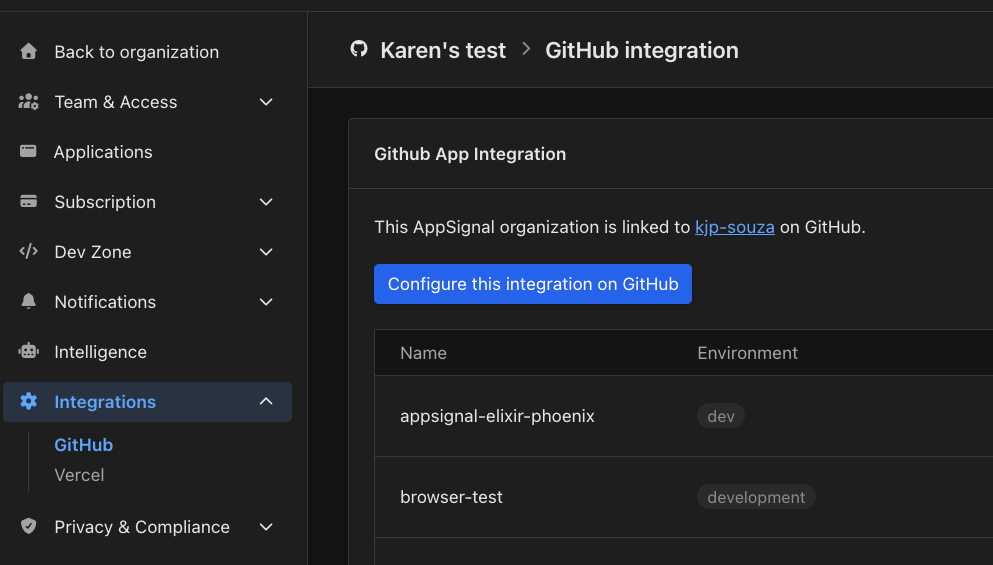
  1. Open your organization’s GitHub integration page and select Configure this integration on GitHub. The organization's GitHub integration page with the Configure this integration on GitHub button
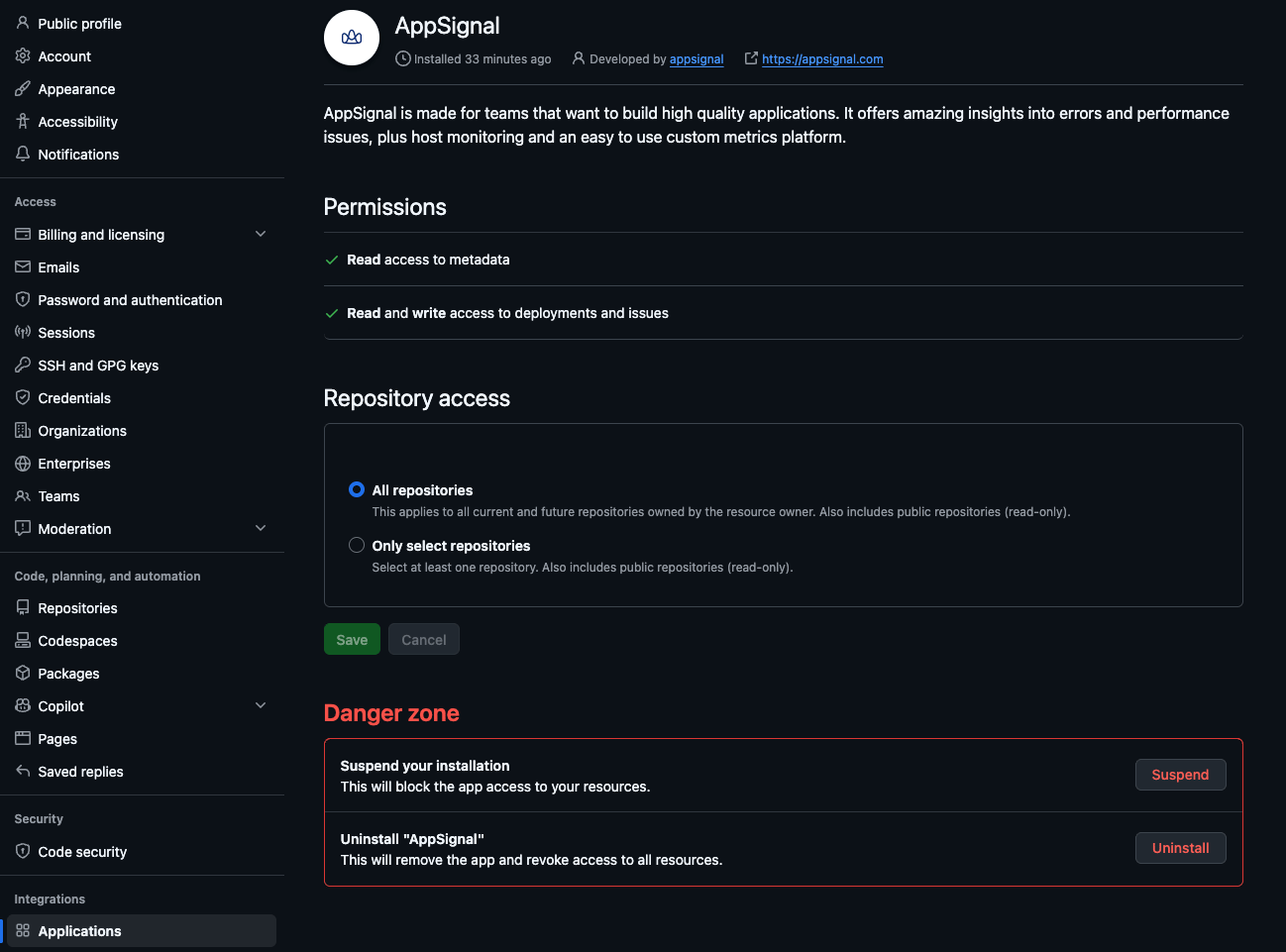
  2. GitHub opens the AppSignal app’s settings. Scroll down to Danger zone, select Uninstall next to Uninstall “AppSignal”, and confirm. The AppSignal app's settings page on GitHub with the Uninstall button in the Danger zone
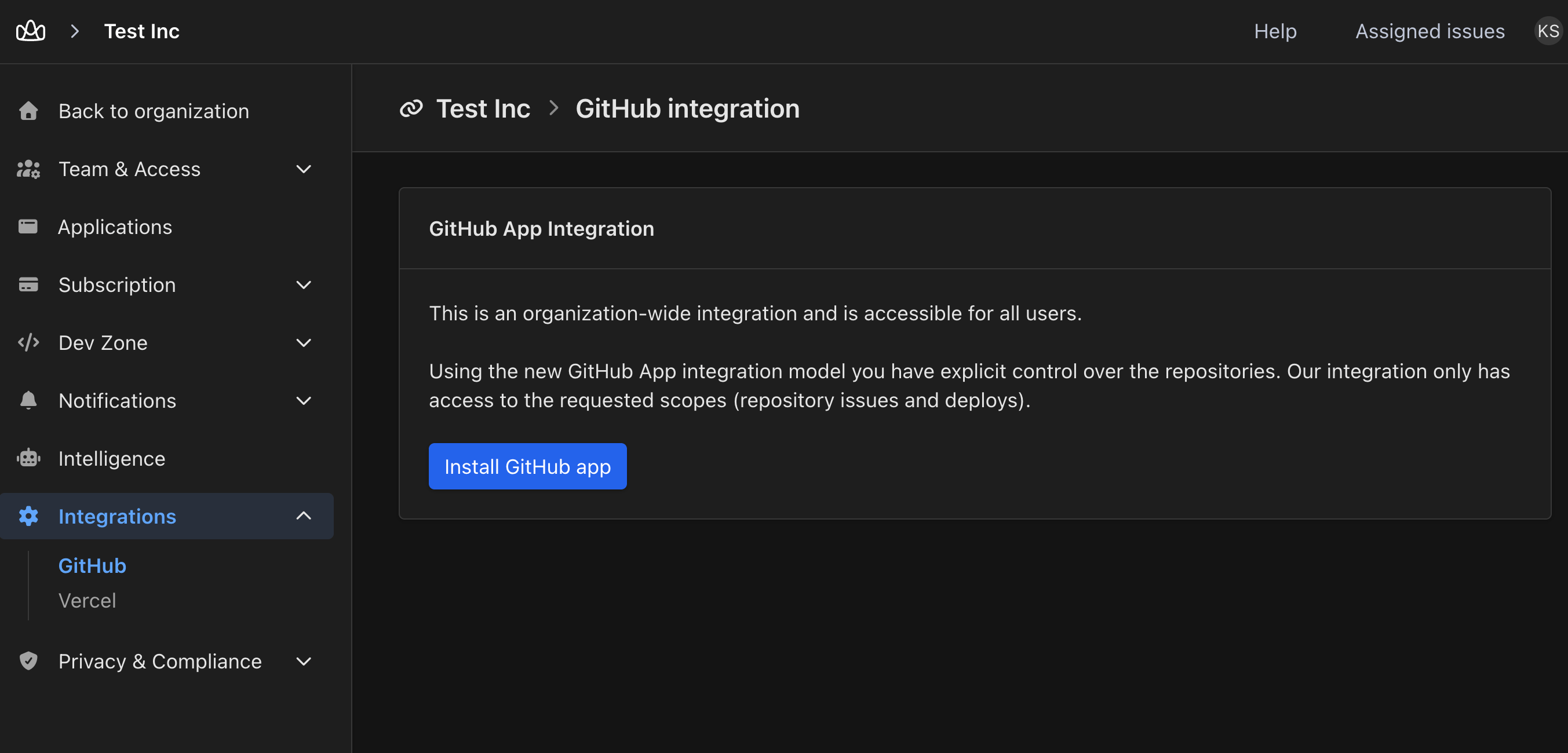
Back in AppSignal, the organization’s GitHub integration page shows Install GitHub app again. To install the app again later, follow Link AppSignal to your app’s repository on GitHub. The organization's GitHub integration page with the Install GitHub app button