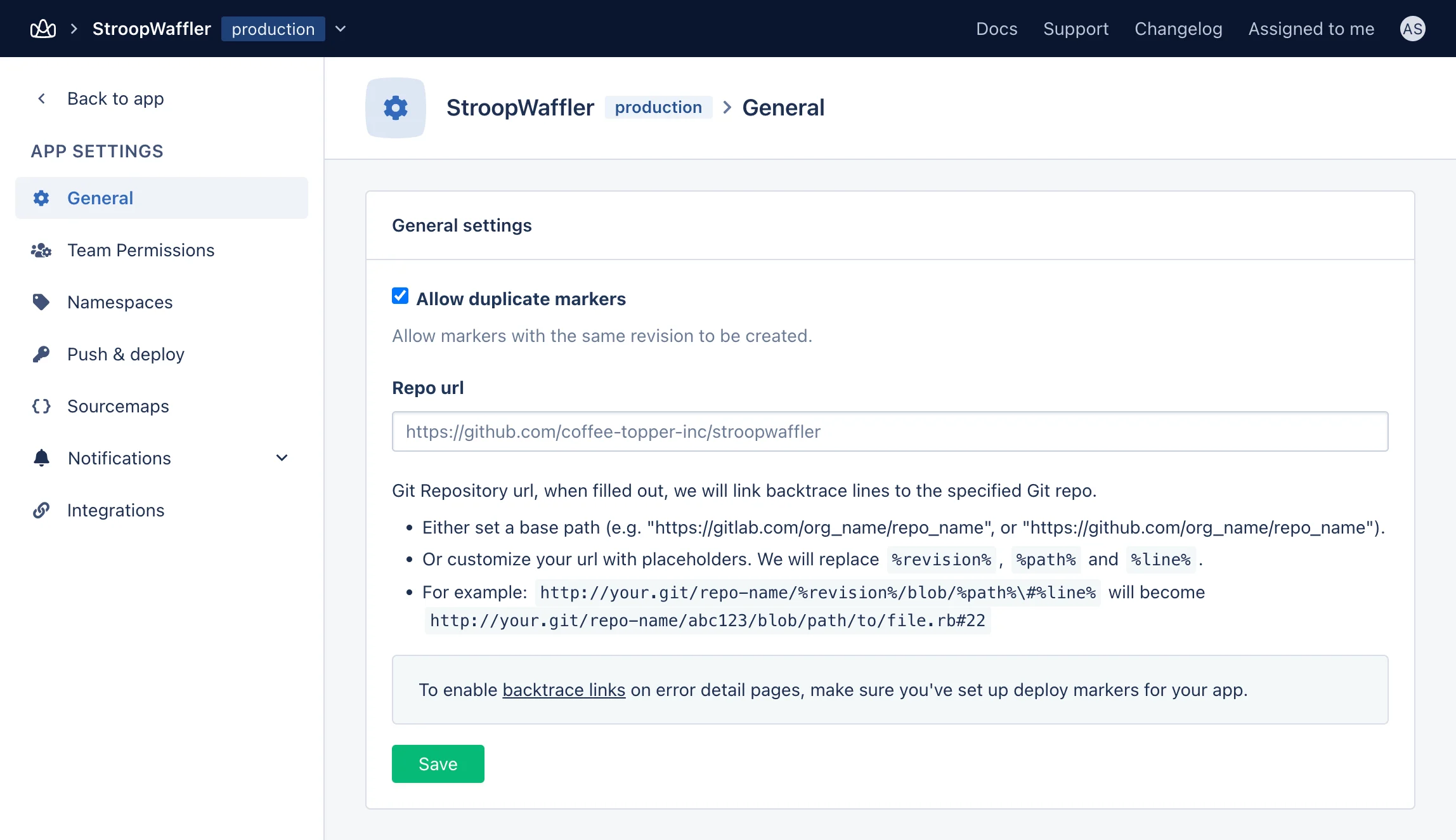
Link AppSignal to GitHub
To configure this feature, you first need to link AppSignal to your application’s GitHub repo. You can find those instructions in our Link AppSignal to Repo documentation. Once this step is completed, make sure you’ve enabled deploy markers.Enable Deploy Markers
Once you’ve connected AppSignal to your application’s GitHub repo, you will need to enable deploy markers. You can find instructions on how to do this in our Backtrace Links documentation. Once this step is completed, AppSignal will automatically link backtraces back to the specific revision, path, and line of code. You can check what repo url your application is using by navigating to the relevant application and clicking on the “App Settings” link at the bottom of the side navigation bar: