
Install TLS Package
To send logs to AppSignal via syslog, you’ll need to have installed rsyslog’s TLS (Transport Layer Security) package. You can check to see if the package is already installed on your server using the below command:Setup Syslog
AppSignal generates a Syslog code snippet for you, available on the source management page. To view this snippet, find the source you wish to configure from the Manage Sources overview and click “Manage source”. You will be redirected to a page, that will look similar to the example below: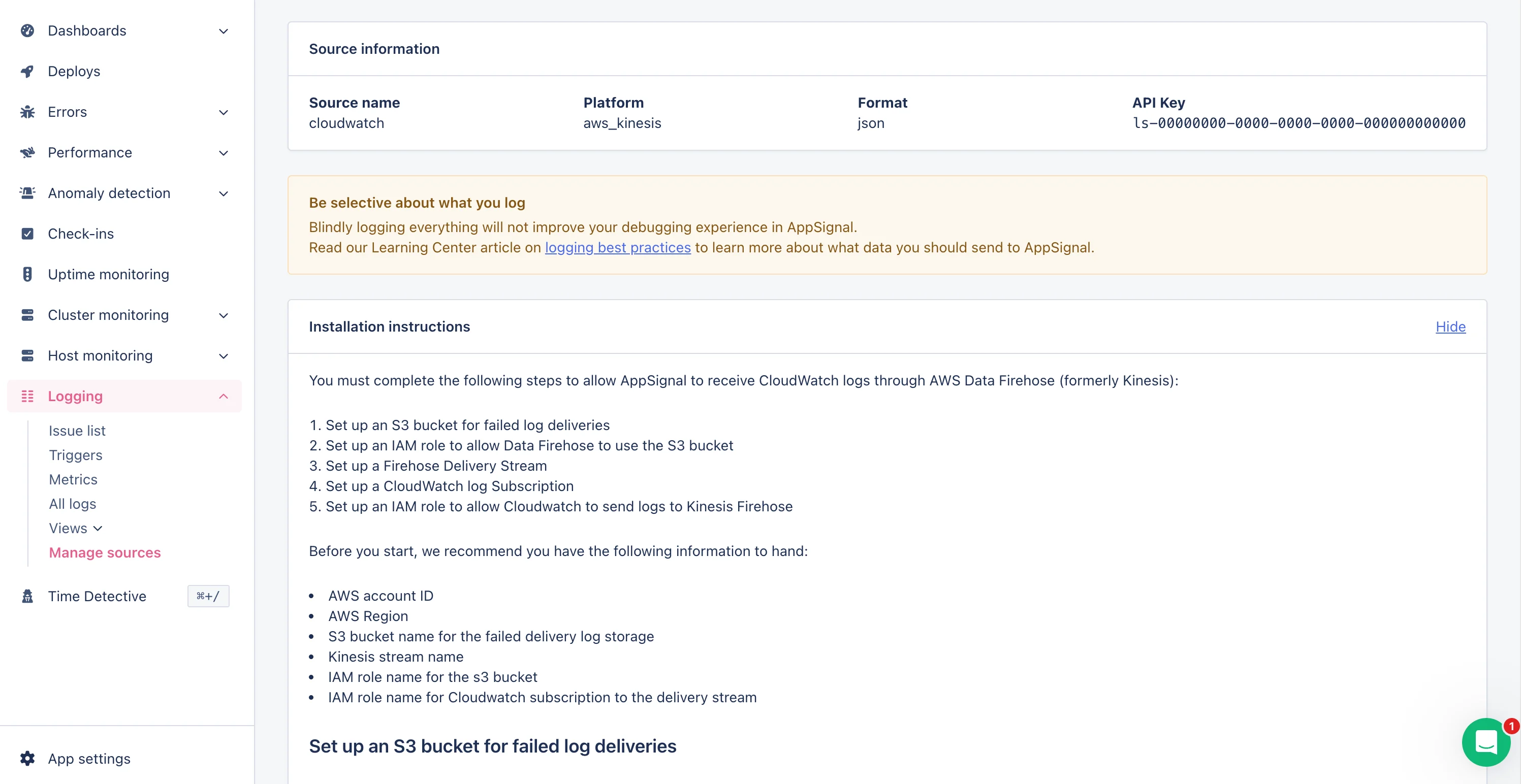
etc/rsyslog.d directory.
Once you’ve created and saved your configuration, you will need to restart rsyslog so that it begins sending logs to AppSignal, using the restart command from a terminal with root access:
Domain and Port Information
Our domain and port are as follows:Structured messages
Themessage part of a syslog message can be formatted either in JSON, Logfmt or Plaintext.
Formatting the message in JSON or Logfmt allows you to add additional (structured) data attributes that can be used to find/filter messages on.
For more information about the specifics of message formatting, see our formatting documentation.