
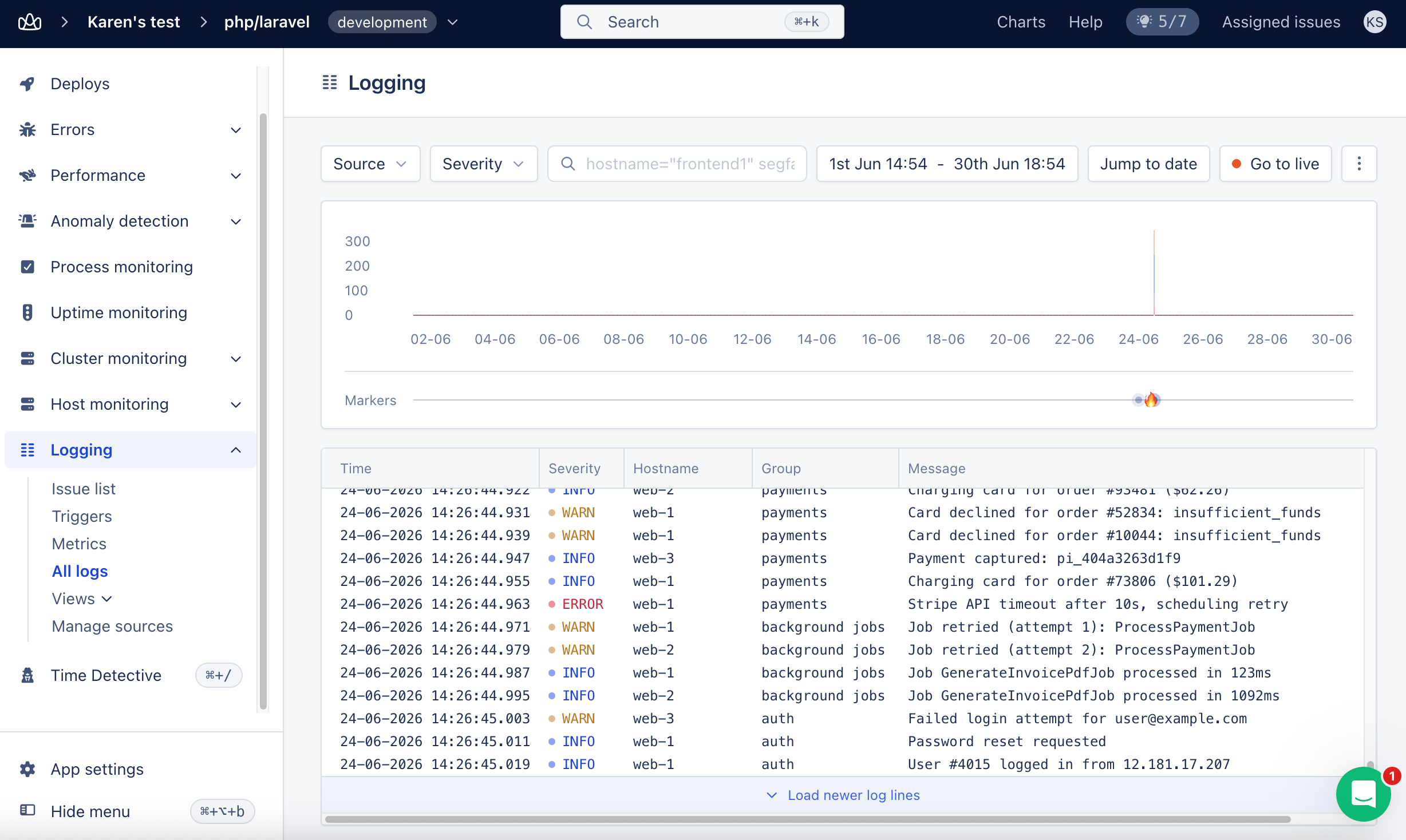
You don’t have to type this syntax by hand. Select the logs search bar and autocomplete suggests fields, operators, and severity levels from your logs. Suggestions insert text into the query, and you press Enter to run it. For the full flow, see Logs query autocomplete.
Quick Start
Get started with these simple queries:Available Fields
You can query the following fields in your logs:
If no field is provided, the query will search the message field.
Query Operators
Search Operators
Use quotes for values with spaces:
group:"background jobs"
Compare a field with an empty string to filter empty and non-empty values:
code=""matches log lines wherecodeis empty.code!=""matches log lines wherecodehas a non-empty value.
Partial Matches and Wildcards
The: operator matches when the value appears anywhere in the field. message:timeout finds “Request timeout” and “timeout after 30s”. The match is case-sensitive, so it does not find “Timeout”.
There is no wildcard character. An asterisk is searched for literally, so message:error* only matches messages that contain the text error*. To find messages that contain “error”, use message:error. The % and _ characters are matched literally as well.
Use = when the whole field has to match. Exact matches are case-sensitive too.
Comparison Operators
For numeric values:Nested Attributes
We’ll use the following example JSON structure:Combining Queries
AND Logic (Default)
Space-separated queries are combined with AND:OR Logic
UseOR to match any condition: