
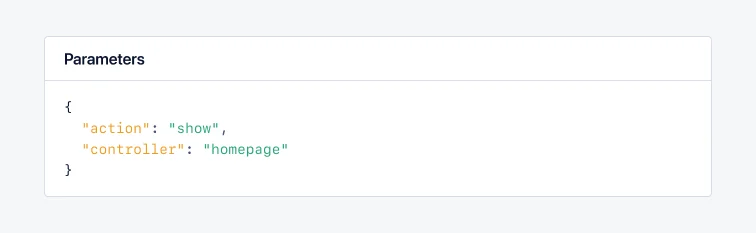
The below code sample shows how to set custom request parameters:
Deprecated in collector mode: the helpers above do not say which type of parameters they are given, so everything they report becomes the request payload. They keep working in agent mode, and AppSignal warns the first time you use one in collector mode. See parameter types for the helper that matches your data.
Parameter types
Request payloads, request query parameters and function parameters can be reported separately, through a helper of their own:Request payload data
The AppSignal for PHP package, version 5.0.0 and higher of the AppSignal for Ruby gem, and the languages supported through our OpenTelemetry beta store the request query parameters and request payload data separately. This section describes how to set the request payload data from POST requests. You can set custom request payload data on a span. Modifying the request payload data of a span will overwrite the data set by the AppSignal instrumentations. All parameters are filtered by our integrations before being sent to our servers. See the table below for a list of accepted root values per language. Each nested object can contain values that result in valid JSON (strings, integers, floats, booleans, nulls, etc.).
The below code sample shows how to set custom request payload data:
Limitations
If the application sets request query parameters or request payload data multiple times, the Ruby gem will merge values at the root level. For other integrations, only the last set value is stored.See also
- params.expect: strong parameters in Rails 8: Rails 8 adds
params.expectto permit and require parameters in one step. It rejects unexpected parameter shapes as bad requests. - params.with_defaults: default values for Rails parameters: set fallback values for parameters the browser may omit. Submitted values override these defaults.