
Tagging requests
For link templates to work AppSignal needs to have the data necessary to create the links. Start by adding tags to request in your application. Add the following code in a location where it’s executed for the related request, such as abefore_action block in a Ruby on Rails application or
using Plug in the Elixir Phoenix framework.
📖 For more information about tagging requests, please read the tagging
guide.
Log attributes
AppSignal can also generate links based on log attributes. For more information about logging and how to add log attributes see our logging documentationCreating a link template
Link templates can be defined on AppSignal.com per application. The “Link templates” configuration can be found in the “App settings” section in the left-hand side navigation.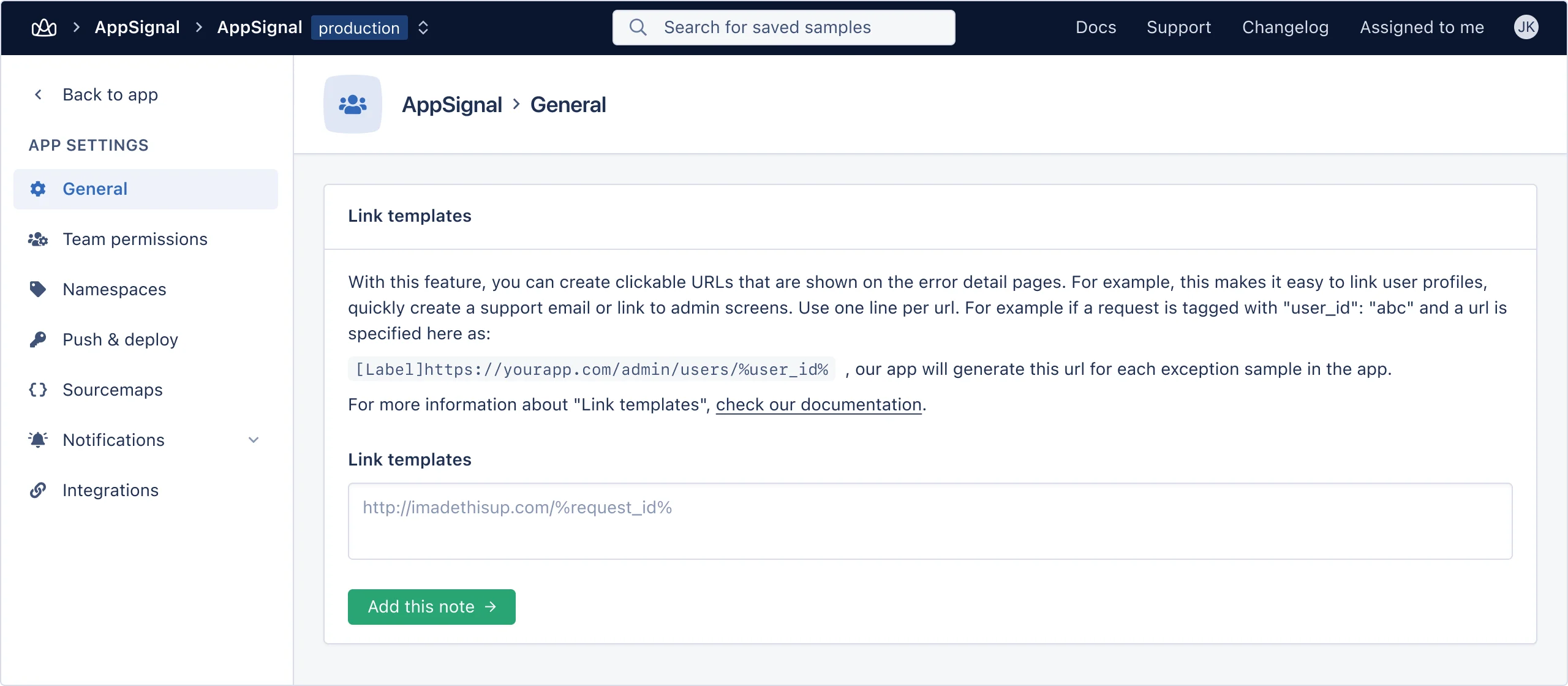
%%. For example, the user_id tag can be used in a link like so:
Shell
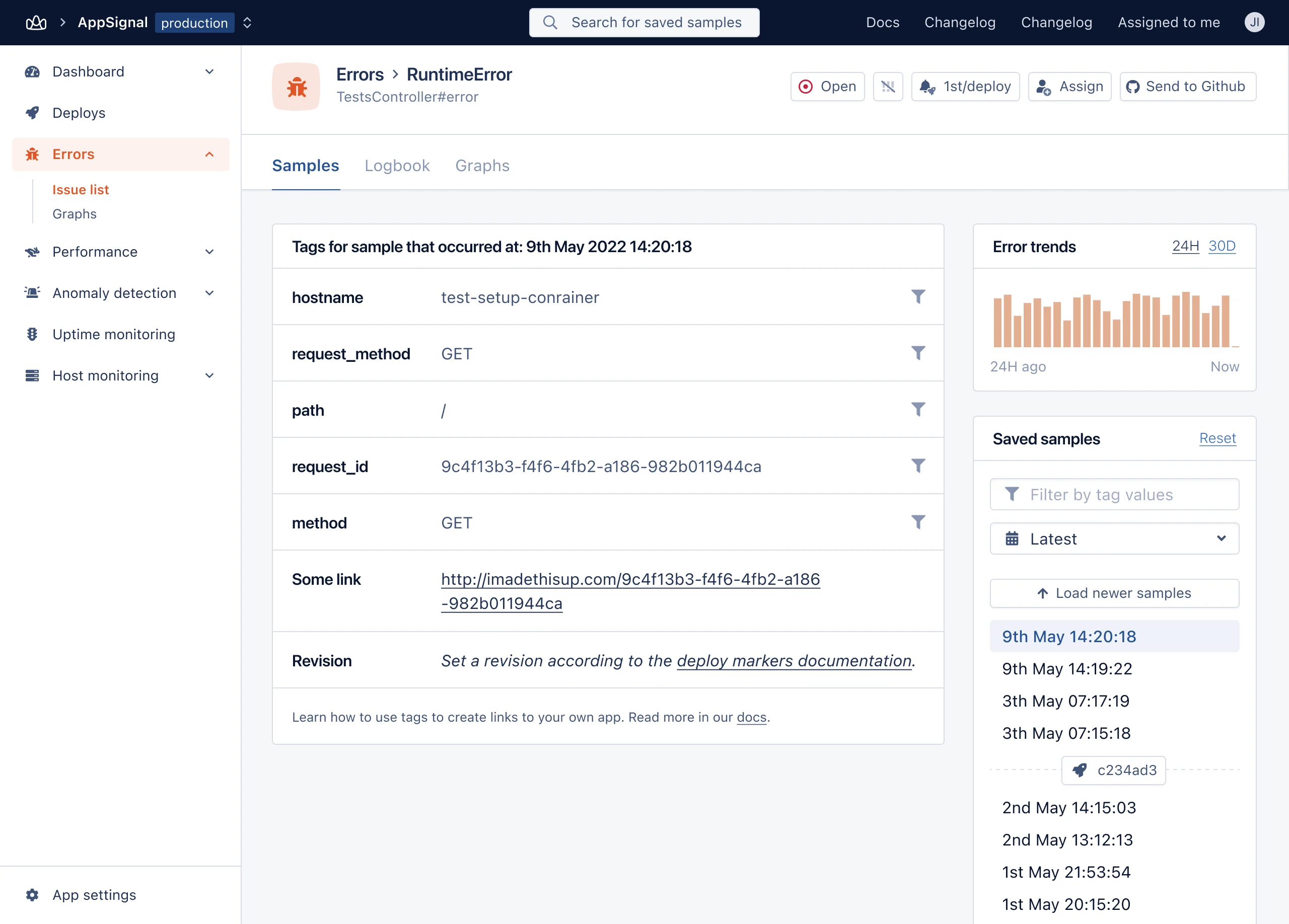
Customizing link names
By default the tags and links table will increment links, e.g. “Link 1”, “Link 2”, “Link 3”. If you want to use more descriptive link names you can do so with this format:Shell