Automatic Instrumentation
Oban support is automatically instrumented, requiring no configuration. To disable the Oban instrumentation, set theinstrument_oban config option to false.
🔎 The
instrument_oban config option was added in version 2.5.1 of the
AppSignal for Elixir integration.Error Reporting
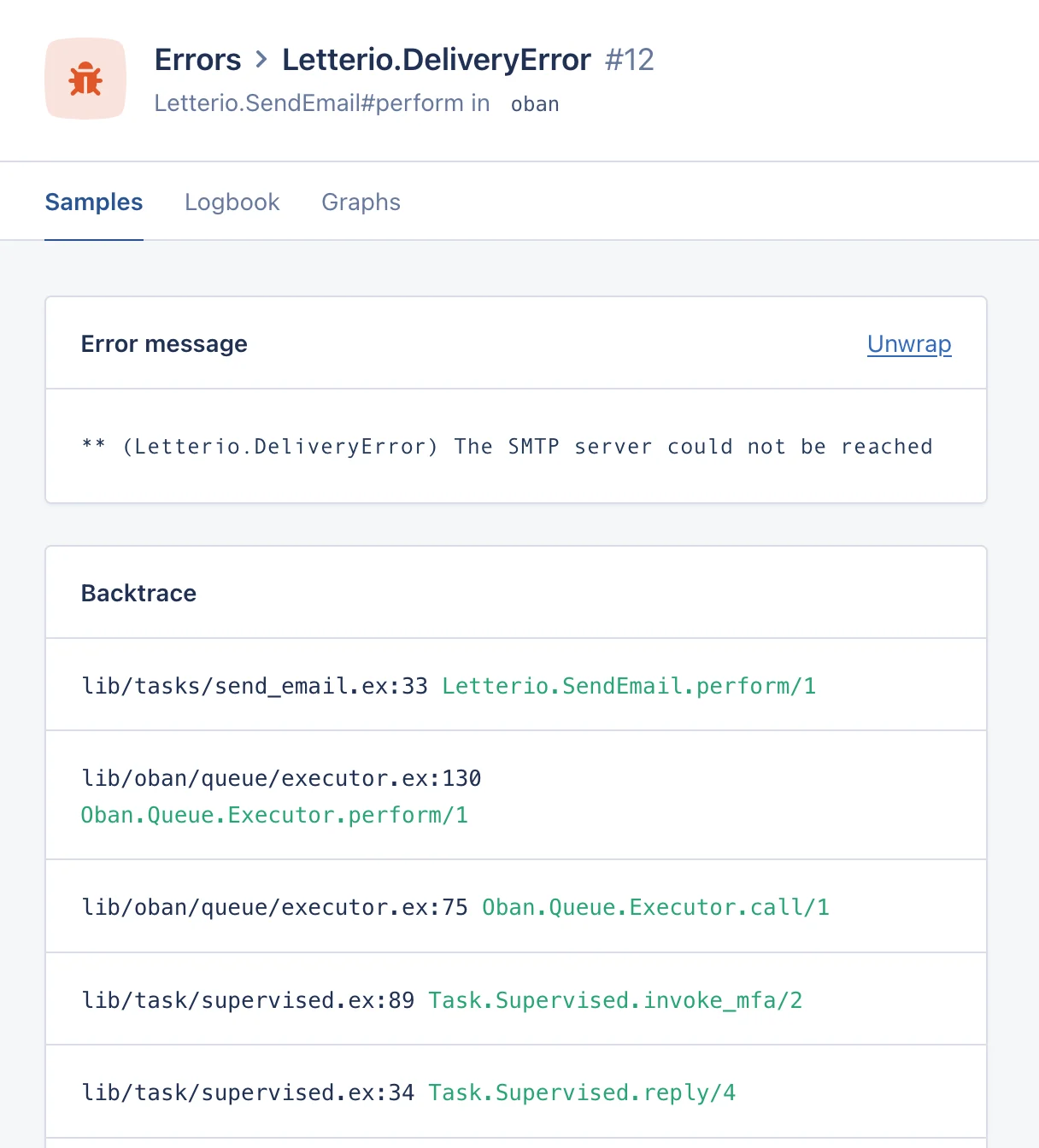
By default, the Oban instrumentation will create an error trace whenever one of your workers fails to process a job, either by returning an{:error, _} tuple or by throwing an exception.
If you only wish to send errors to AppSignal when the failure causes the job to be discarded, that is, once it’s reached its maximum retry attempts, set the report_oban_errors config option to "discard". Set it to "none" to never send Oban job errors to AppSignal.
Performance and Error Traces
AppSignal will create performance traces out of jobs executed by your Oban workers: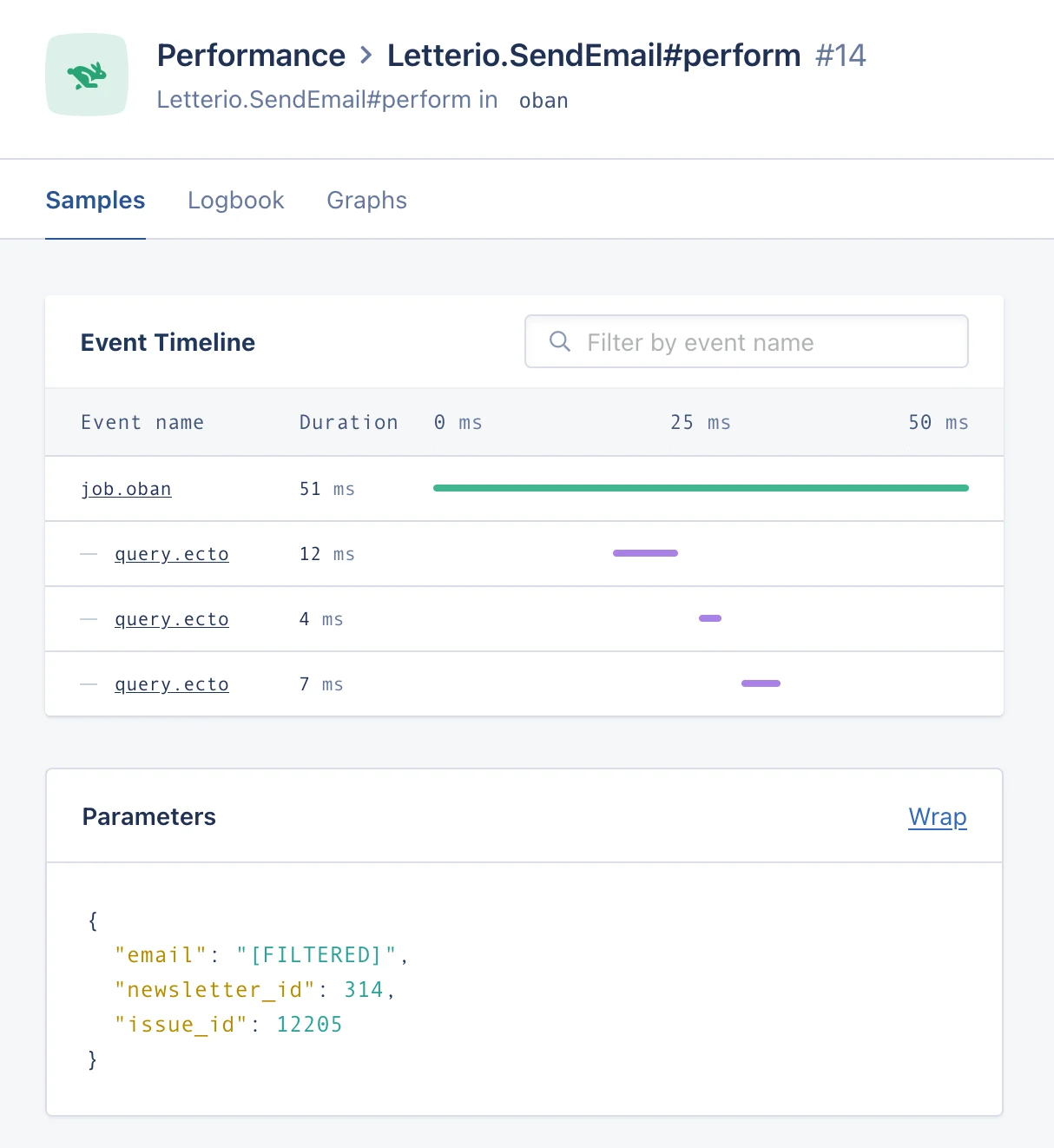
- Job ID, queue, worker and priority
- Number of previous attempts
- Job state and result after execution
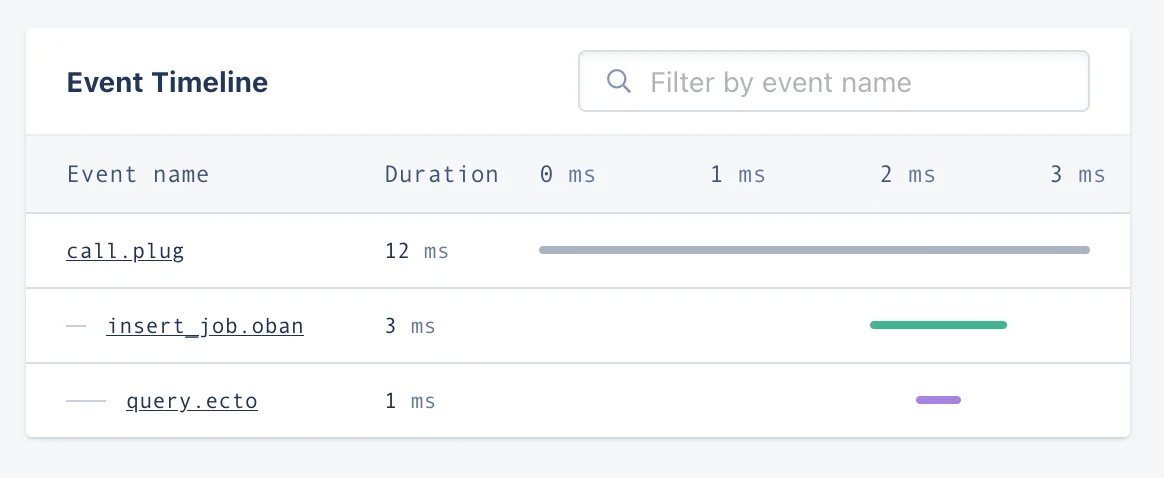
🔎 Some features are only available in certain Oban versions:
- 2.2.0+: Tags
- 2.3.0+: Metadata values and job priority
- 2.4.0+: Job state after execution
- 2.5.0+: Job result after execution
- 2.11.0+: Job insertion event
Metrics
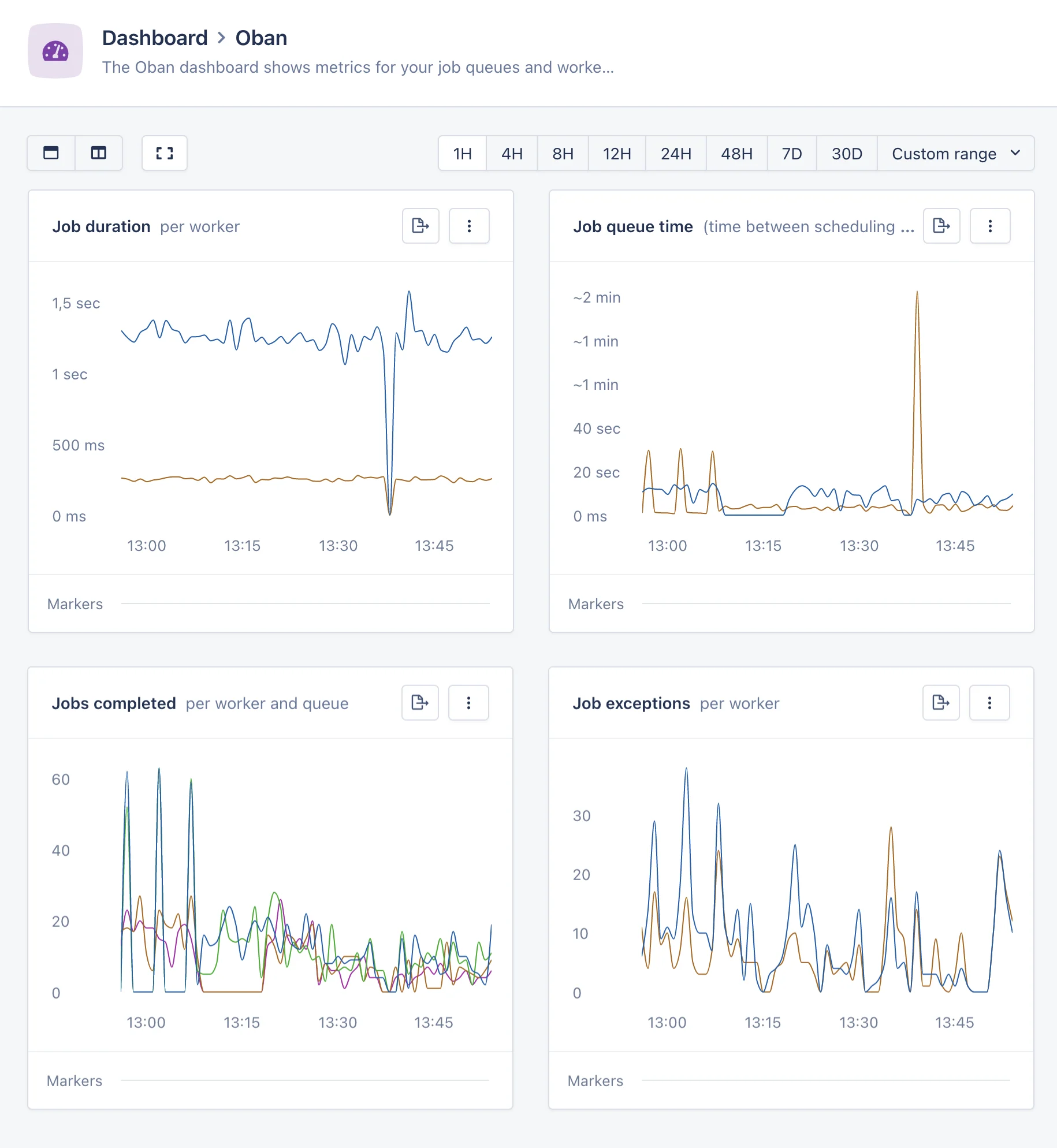
In addition to the performance and error traces, AppSignal for Elixir will collect metrics about the performance of your Oban jobs:-
oban_job_duration: the duration of the jobs processed, tagged by the job’s worker, queue and status. -
oban_job_queue_time: the time spent by jobs waiting in the queue, tagged by queue. -
oban_job_count: the amount of jobs processed, tagged by the job’s worker, queue and status.