
@vercel/speed-insights package to your project and create a Speed Insights drain.
- Enable Speed Insights
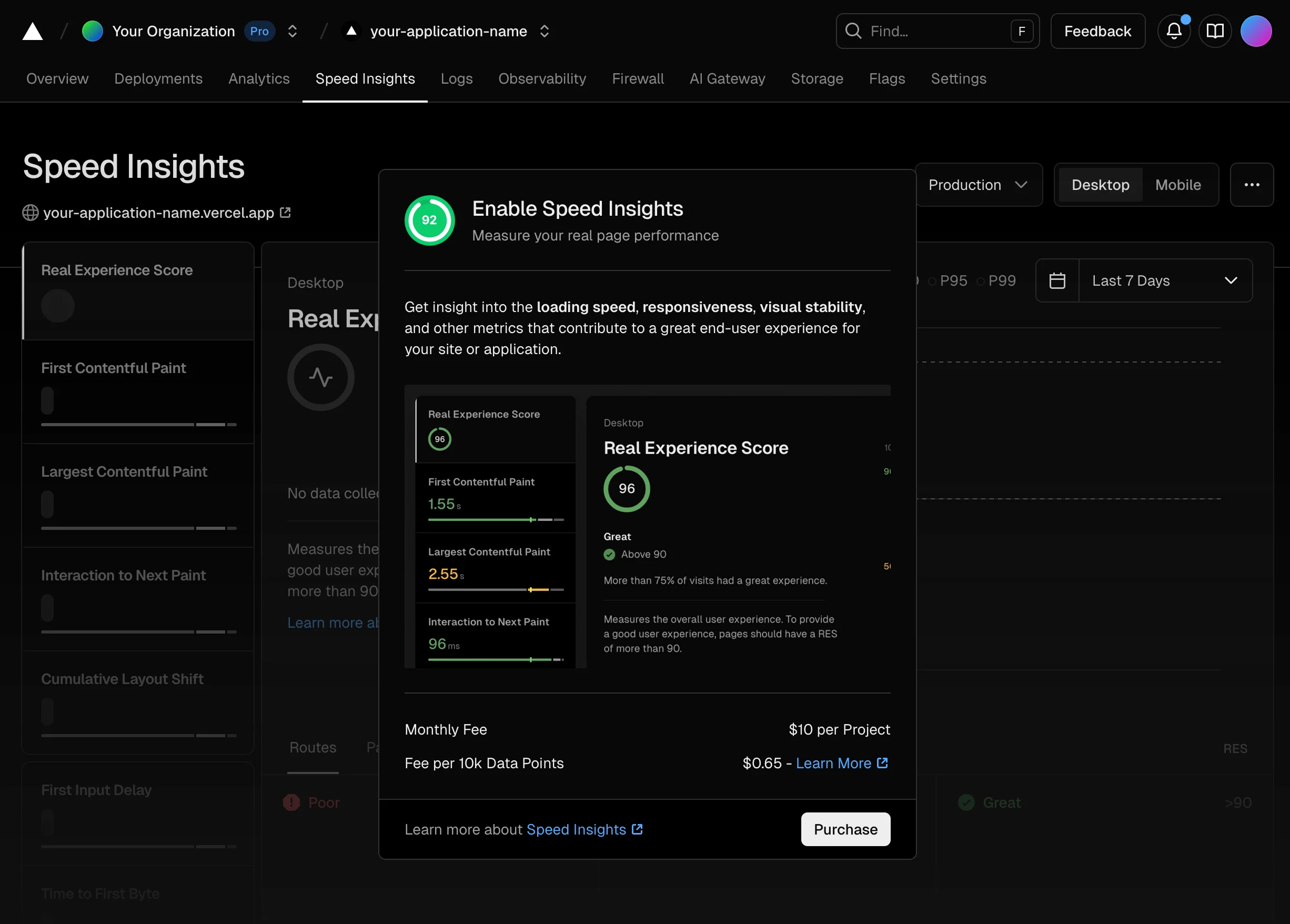
From your organisation’s page, click on the project that you would like to enable the Speed Insights for. Then click on the Speed Insights tab, where you will be presented with an Enable Speed Insights dialog.
- Add
@vercel/speed-insights to your project
Add @vercel/speed-insights to your project@vercel/speed-insights package to your project and include <SpeedInsights /> component in your app.
- Configure Speed Insights drain
From a Vercel project navigate to Settings > Drains page and click on Add Drain.
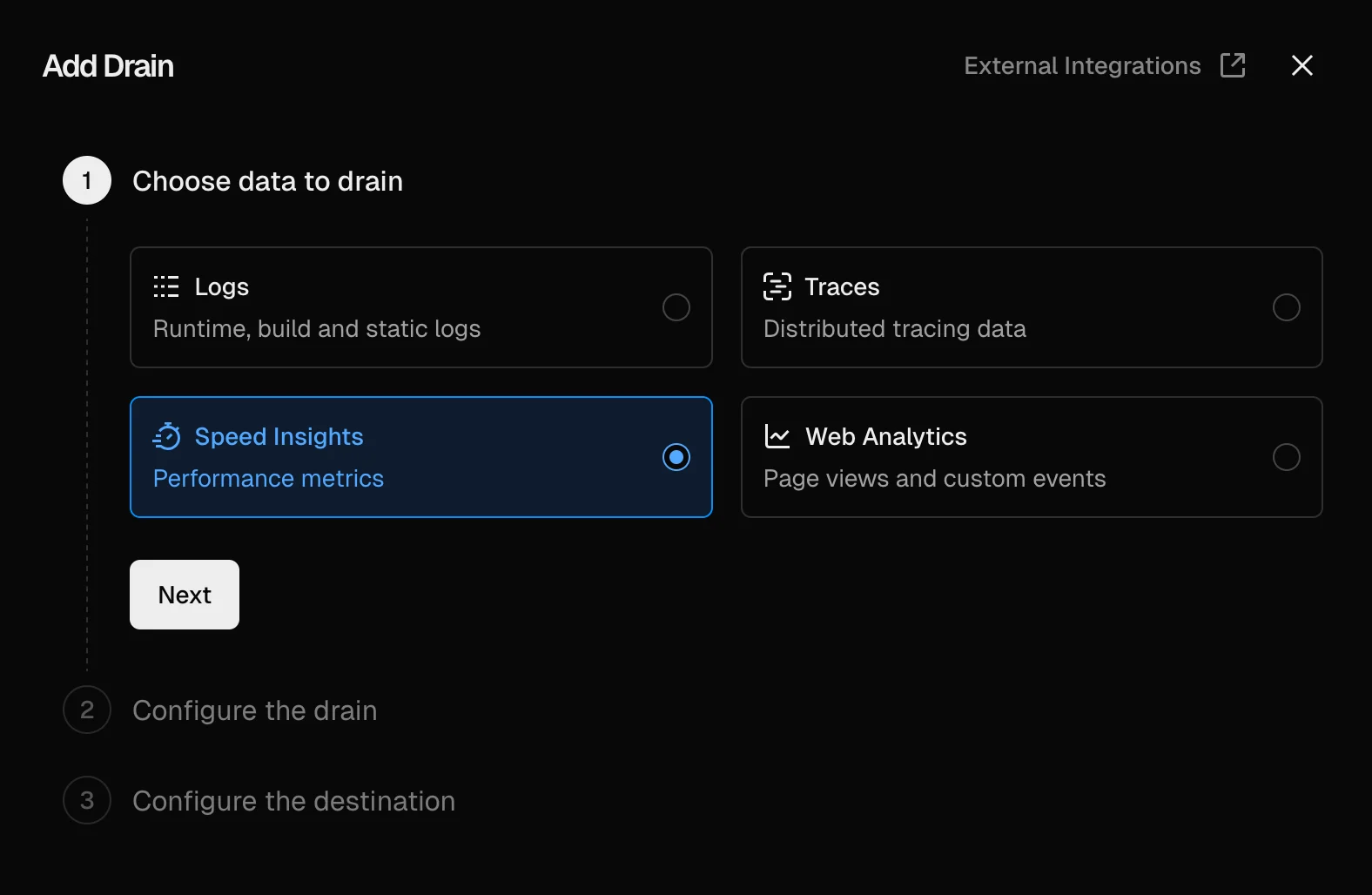
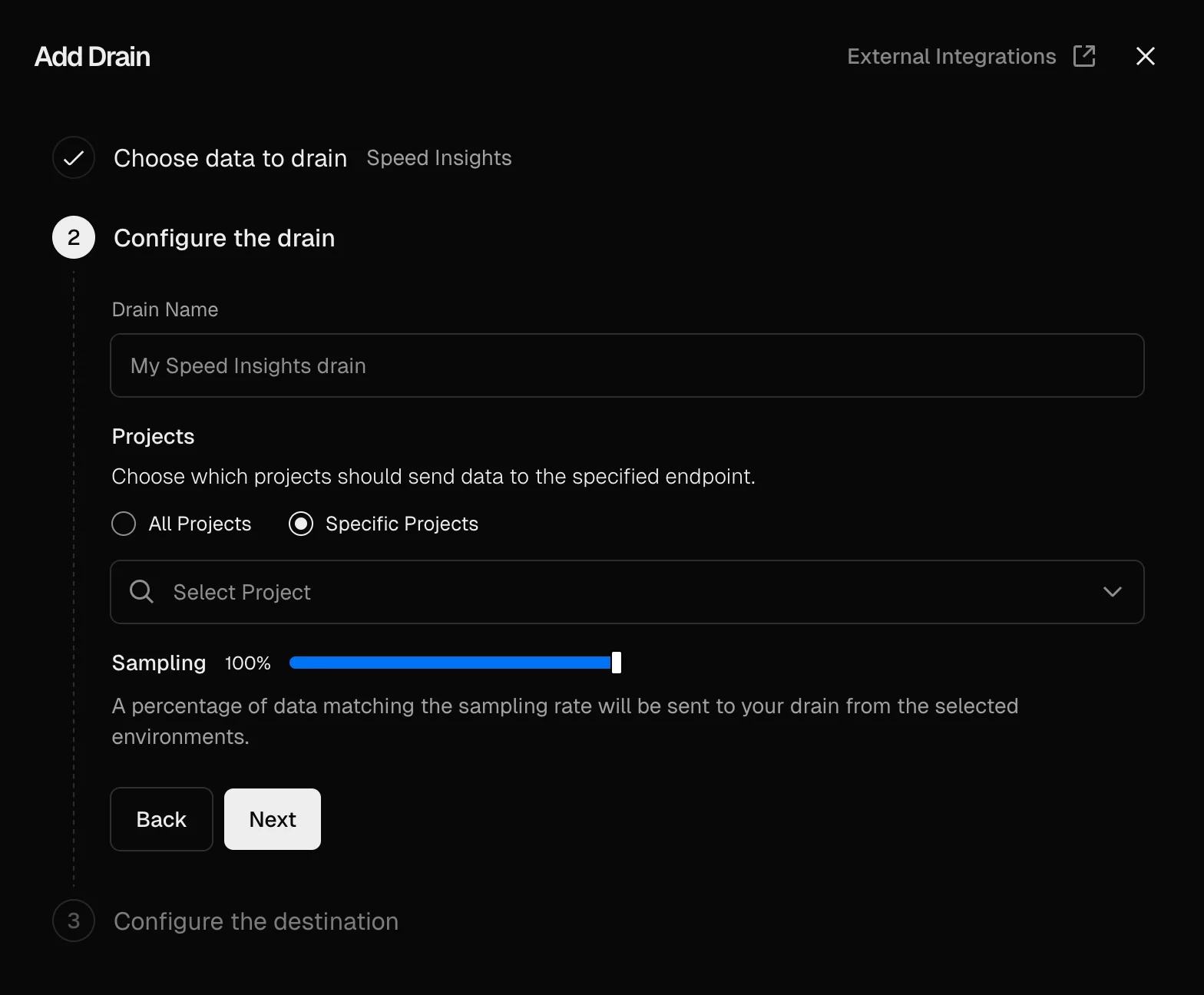
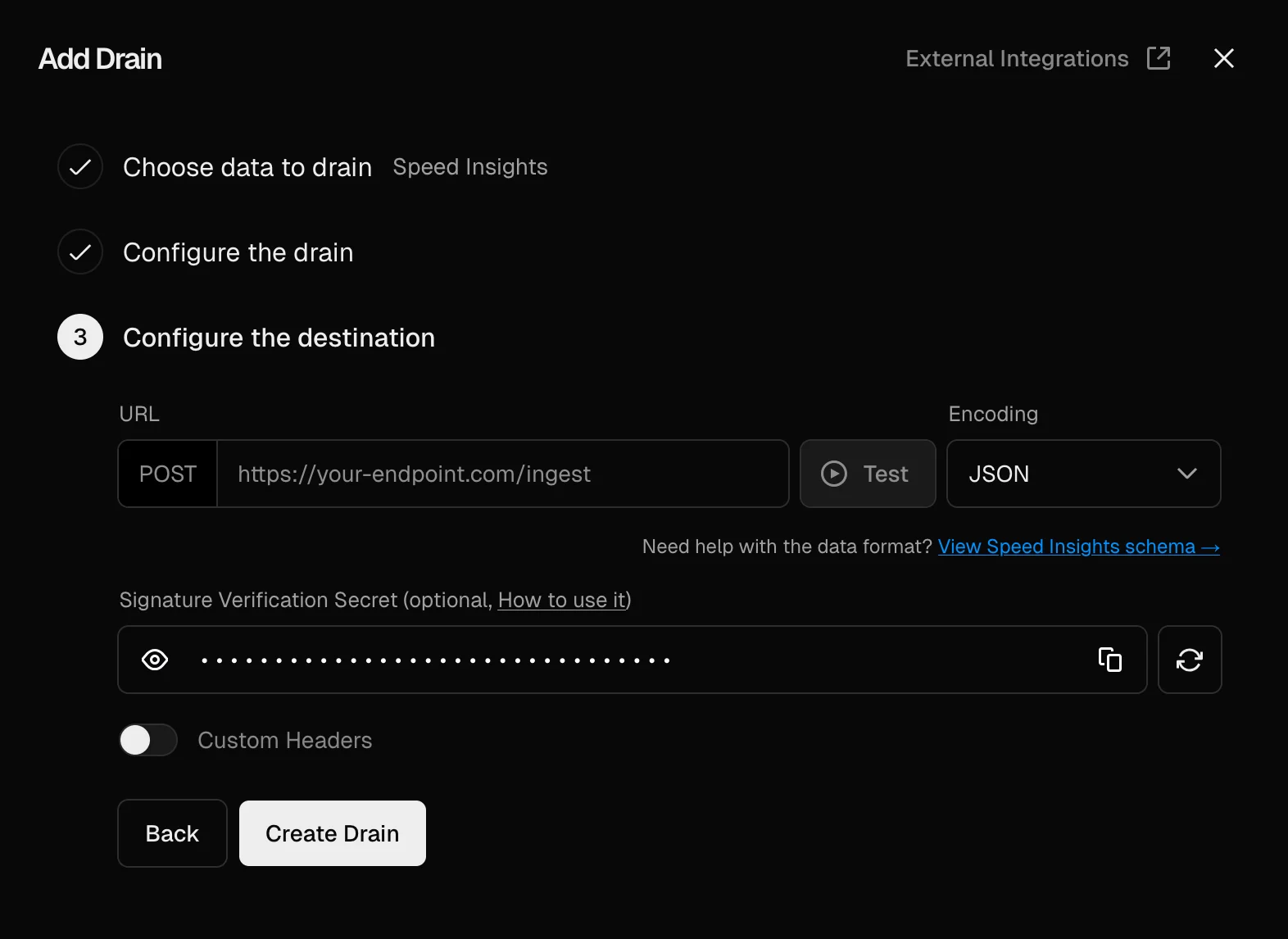
<api_key> with your AppSignal app-level push API key, which can be found in App settings:
You can find more information about AppSignal API keys in the AppSignal
API’s Public Endpoint Authentication
section.