Two-Factor Authentication Enforcement allows you to require all members of an organization to enable Two-Factor Authentication on their AppSignal account.

Enable Two-Factor Authentication Enforcement

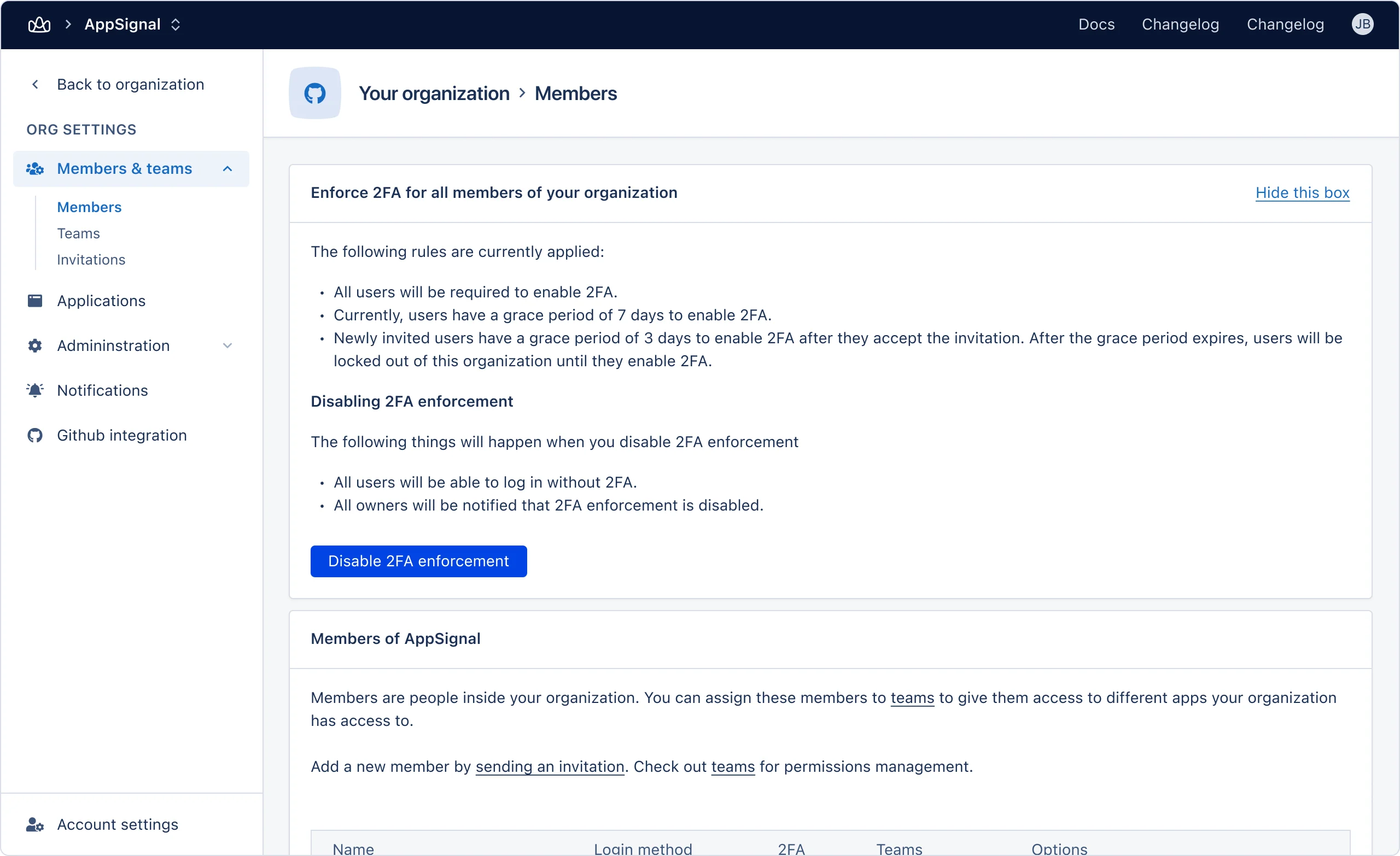
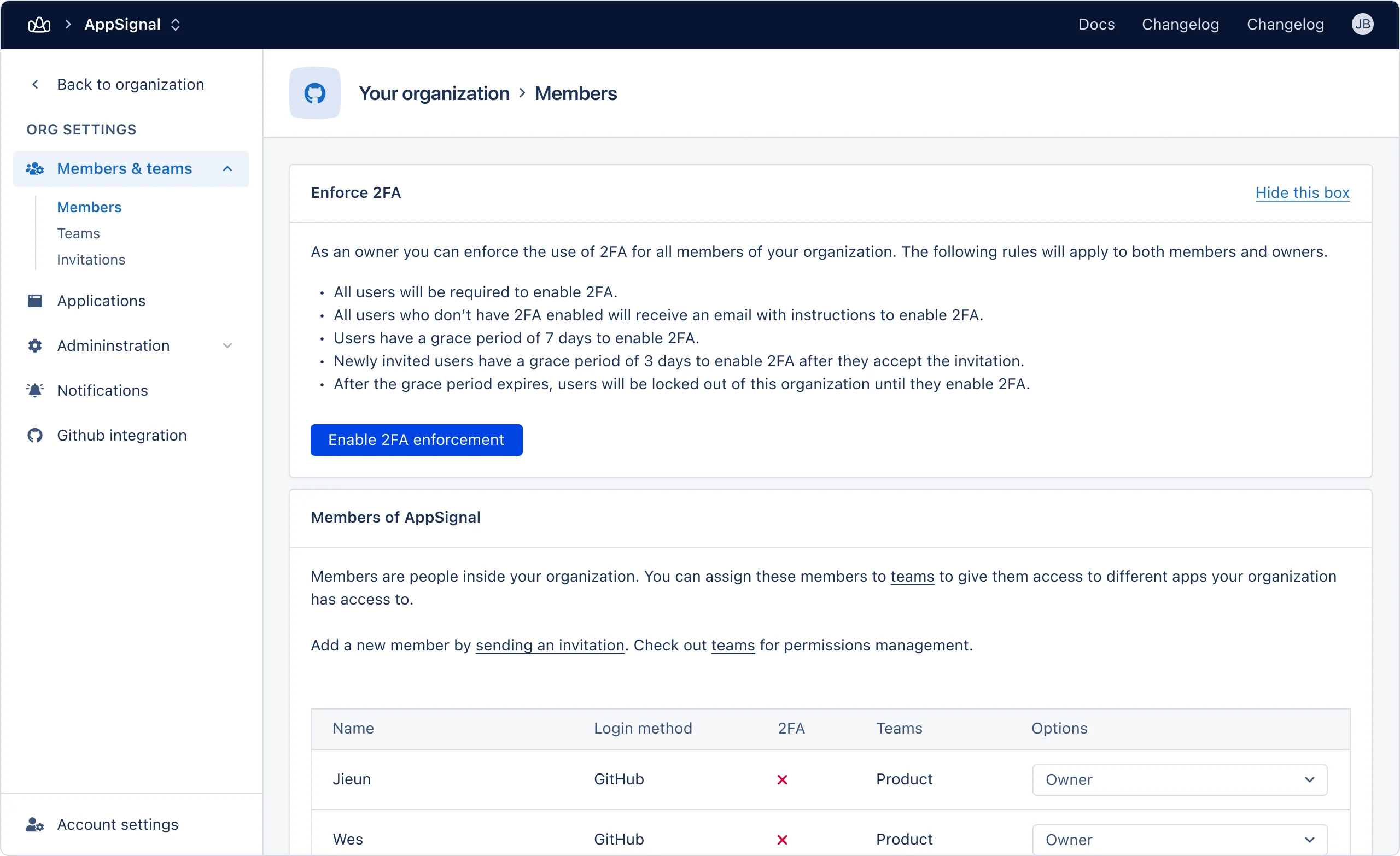
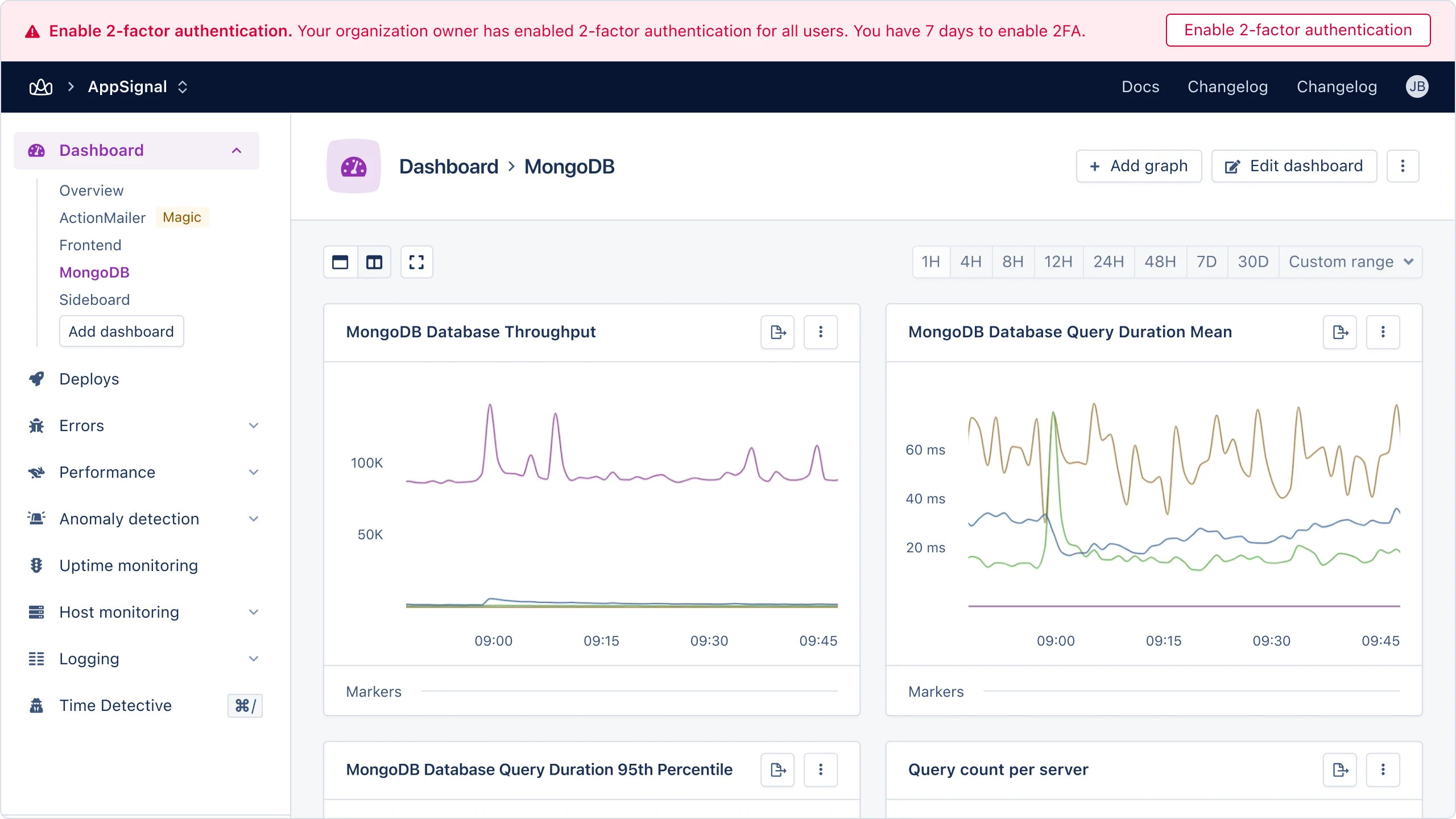
Two-Factor Authentication Enforcement can be enabled in your organization’s Members settings screen: Screenshot of organization members screen with 2FA Enforcement option When activated organization members without Two-Factor Authentication will be given a grace period to enable it. An email notification and warning bar in the AppSignal app will inform them that Two-Factor Authentication has been enforced: Screenshot of organization members screen with 2FA Enforcement option Clicking on the link in the email, or banner will take the user to the Two-Factor Authentication set-up screen.
Grace periods

When Two-Factor Authentication Enforcement in enabled organisation members are given a grace period to set-up Two-Factor Authentication on their AppSignal accounts:
MemberGrace period
New members3 days
Existing members7 days
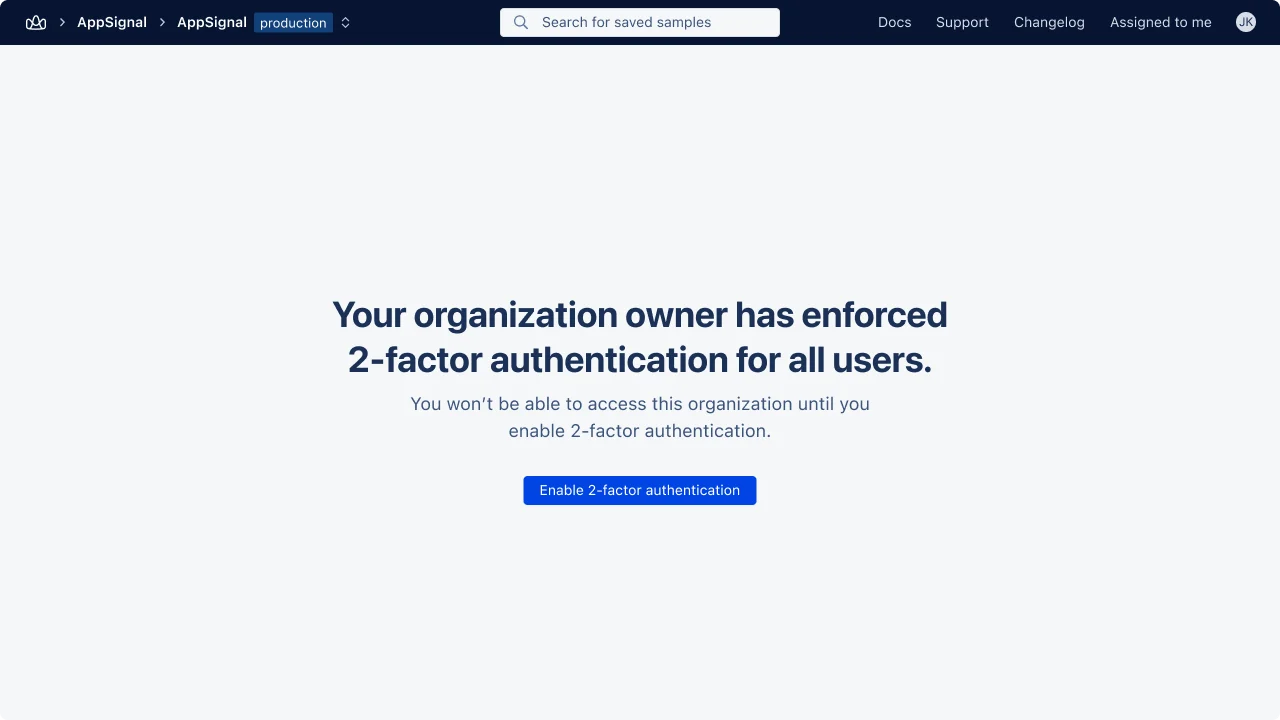
If a user does not enable Two-Factor Authentication before the end of their grace period they will locked out of the organization until it’s enabled: Screenshot of organization members screen with 2FA Enforcement option
Disable Two-Factor Authentication Enforcement

Two-Factor Authentication Enforcement can be disabled in your organization’s Members settings screen: Screenshot of organization members screen with 2FA Enforcement option When disabled members will no longer require Two-Factor Authentication to access the organization.