
Changing a user’s role
You can see and change roles in the members screen in your organization’s settings. Change a user’s role between member and owner, or remove a user from the organization.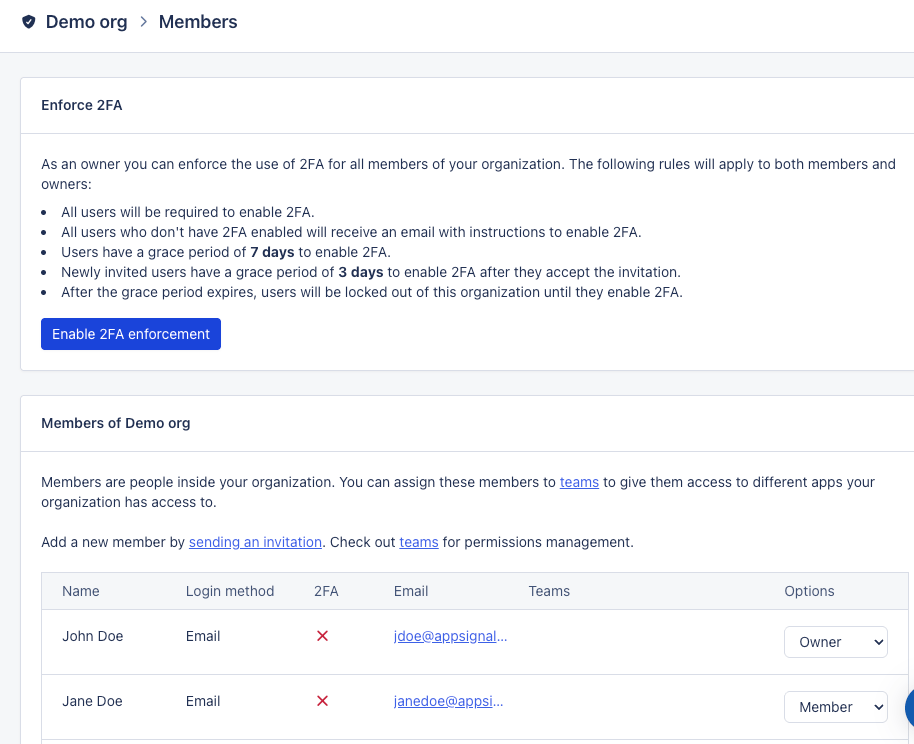
Owner and member permissions
Owners can do everything in an organization. Members can view and work in the apps they have access to, but cannot administer the organization itself. The following table shows the role each common action needs.
Note: Members only have access to the apps in the teams they belong to,
while owners have access to every app in the organization. See
manage teams to control which apps a team can
access.