> ## Documentation Index
> Fetch the complete documentation index at: https://docs.appsignal.com/llms.txt
> Use this file to discover all available pages before exploring further.
# Your user account
Whenever you use AppSignal your log in with your user account. A user
can have access to one or more organizations that contain apps that are
being monitored.
## Sign up
When you are invited to an existing account or sign up, you can choose to sign
up using GitHub or use an email / password combination.
If you chose to sign up using an email / password combination, you can always link your GitHub account later on by visiting your [Profile & Settings](https://appsignal.com/users/edit) and scrolling down to GitHub section.
## Personal settings
Once you're logged in you can navigate to your settings page by using
the settings link at the top right of the screen. There are four
personal setting screens.
### Personal
In personal settings you can change your name and password. If you
haven't linked your GitHub account during sign-up, you can still do so here.
Connecting your GitHub account gives you additional features like direct links
to commits and linked stack trace lines.
You can also choose a theme for the AppSignal UI here. Switch the **Theme**
toggle to **Dark** for a dark theme, **Light** to keep the default light theme,
or **System** to follow your operating system's preference.
### Notifications
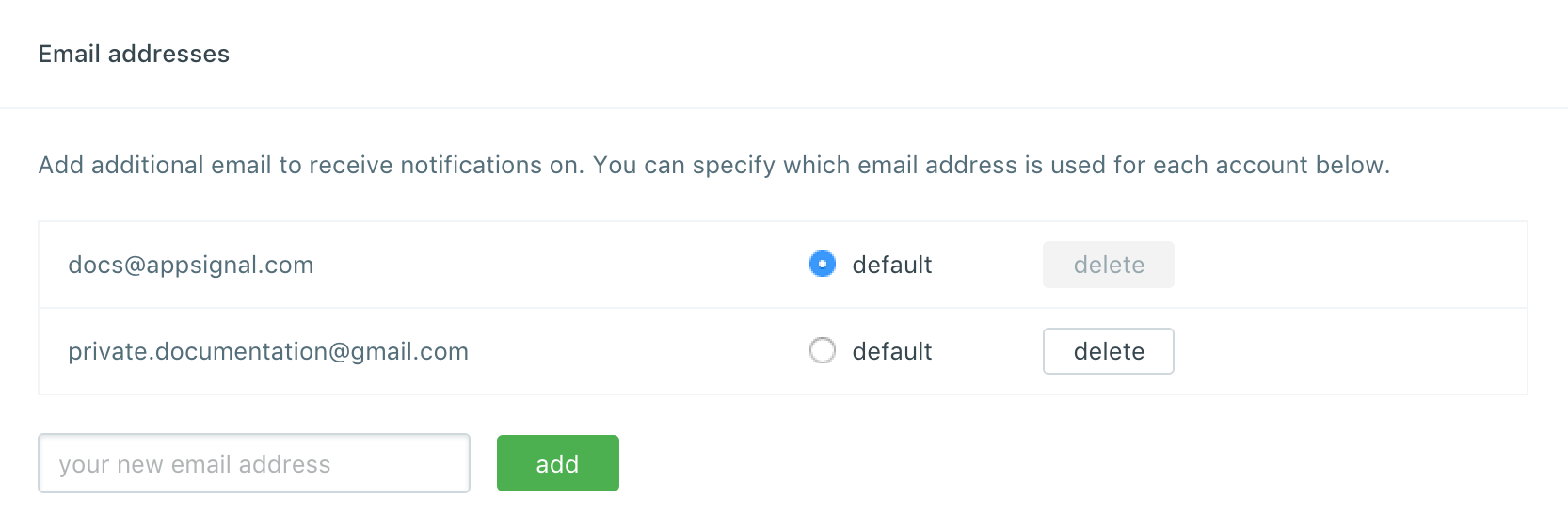
You can have multiple email addresses associated with AppSignal.
This could be useful if someone invites you on your personal email address
while you prefer to use your company email address.
It's also useful if you are part of multiple organizations within AppSignal.
You can choose to have notifications sent to different email addresses per
organization.
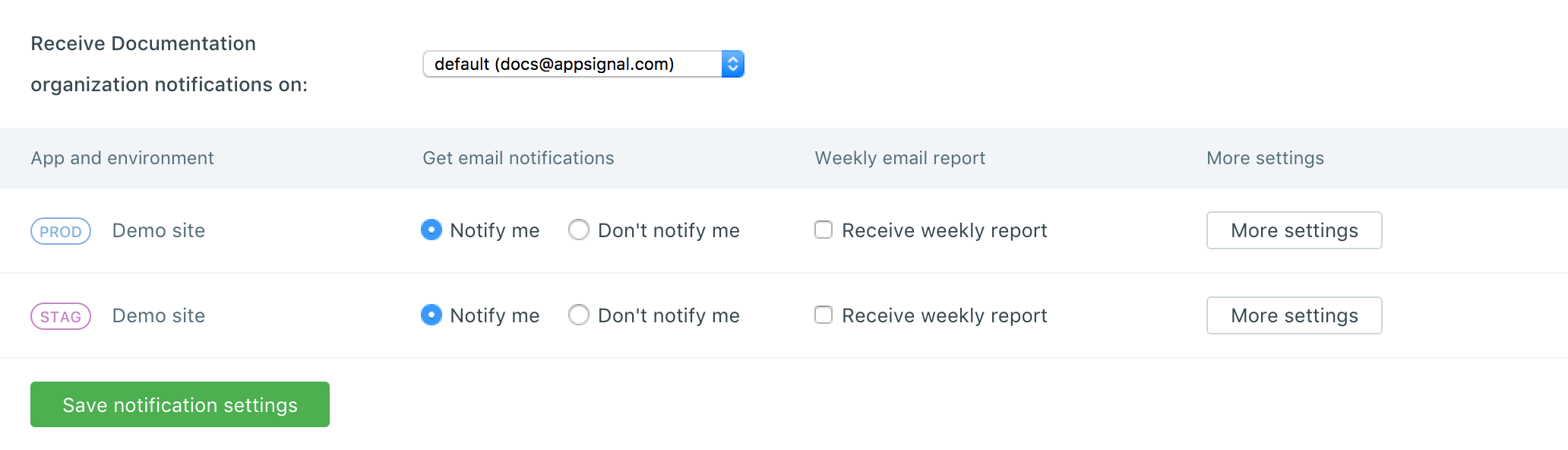
 You can configure which email address AppSignal should use for notifications
per organization. You can also choose whether you want to receive notifications
per app. If you disable notifications you'll still be able to access the app.
You can configure which email address AppSignal should use for notifications
per organization. You can also choose whether you want to receive notifications
per app. If you disable notifications you'll still be able to access the app.