> ## Documentation Index
> Fetch the complete documentation index at: https://docs.appsignal.com/llms.txt
> Use this file to discover all available pages before exploring further.

# Ruby VM

export const VersionRequirements = ({versions = []}) => {
  if (!Array.isArray(versions) || versions.length === 0) {
    return null;
  }
  const boundaries = {
    upper: " or lower",
    exact: "",
    lower: " or higher"
  };
  const containerStyle = {
    marginTop: "0.5rem",
    marginBottom: "1.5rem"
  };
  const lineStyle = {
    display: "block",
    margin: "0 0 0.35rem 0",
    fontSize: "0.875rem",
    lineHeight: "1.4"
  };
  const pillBaseStyle = {
    display: "inline-block",
    padding: "0.1em 0.4em",
    borderRadius: "0.25rem",
    border: "1px solid",
    fontFamily: "ui-monospace, SFMono-Regular, Menlo, monospace",
    fontSize: "0.85em",
    fontWeight: 500
  };
  const pillColors = {
    "AppSignal for Elixir": {
      background: "#f3e8ff",
      borderColor: "#e9d5ff",
      color: "#9333ea"
    },
    "AppSignal for Front-end": {
      background: "#fef9c3",
      borderColor: "#fde68a",
      color: "#ca8a04"
    },
    "AppSignal for Go": {
      background: "#ccfbf1",
      borderColor: "#99f6e4",
      color: "#0d9488"
    },
    "AppSignal for JavaScript": {
      background: "#fef9c3",
      borderColor: "#fde68a",
      color: "#ca8a04"
    },
    "AppSignal for Node.js": {
      background: "#dcfce7",
      borderColor: "#bbf7d0",
      color: "#16a34a"
    },
    "AppSignal for Python": {
      background: "#dbeafe",
      borderColor: "#bfdbfe",
      color: "#2563eb"
    },
    "AppSignal for Ruby": {
      background: "#fee2e2",
      borderColor: "#fecaca",
      color: "#dc2626"
    },
    "AppSignal for Rust": {
      background: "#ffedd5",
      borderColor: "#fed7aa",
      color: "#ea580c"
    }
  };
  const defaultPillColor = {
    background: "#f4f4f5",
    borderColor: "#e4e4e7",
    color: "#52525b"
  };
  const getPillStyle = name => ({
    ...pillBaseStyle,
    ...pillColors[name] || defaultPillColor
  });
  const getBoundText = bound => {
    return boundaries[bound] || boundaries.lower;
  };
  return <div style={containerStyle}>
      {versions.map((v, i) => <p key={`${v.name}-${v.version}-${v.bound || "lower"}-${i}`} style={lineStyle}>
          This feature requires{" "}
          <code style={getPillStyle(v.name)}>{v.name}</code> version {v.version}
          {getBoundText(v.bound)}.
        </p>)}
    </div>;
};

<VersionRequirements
  versions={[
{ name: "AppSignal for Ruby", version: "3.3.9" },
{ name: "Ruby", version: "3.2" }
]}
/>

The Ruby VM (Virtual Machine) schedules Ruby threads for execution. At any given point, only one thread at a time can interact with the state of the Ruby VM.

AppSignal supports Ruby VM out of the box. When AppSignal detects Ruby VM metrics, it will create an [Magic Dashboard](#magic-dashboard), allowing you to monitor core metrics visually.

## Magic dashboards

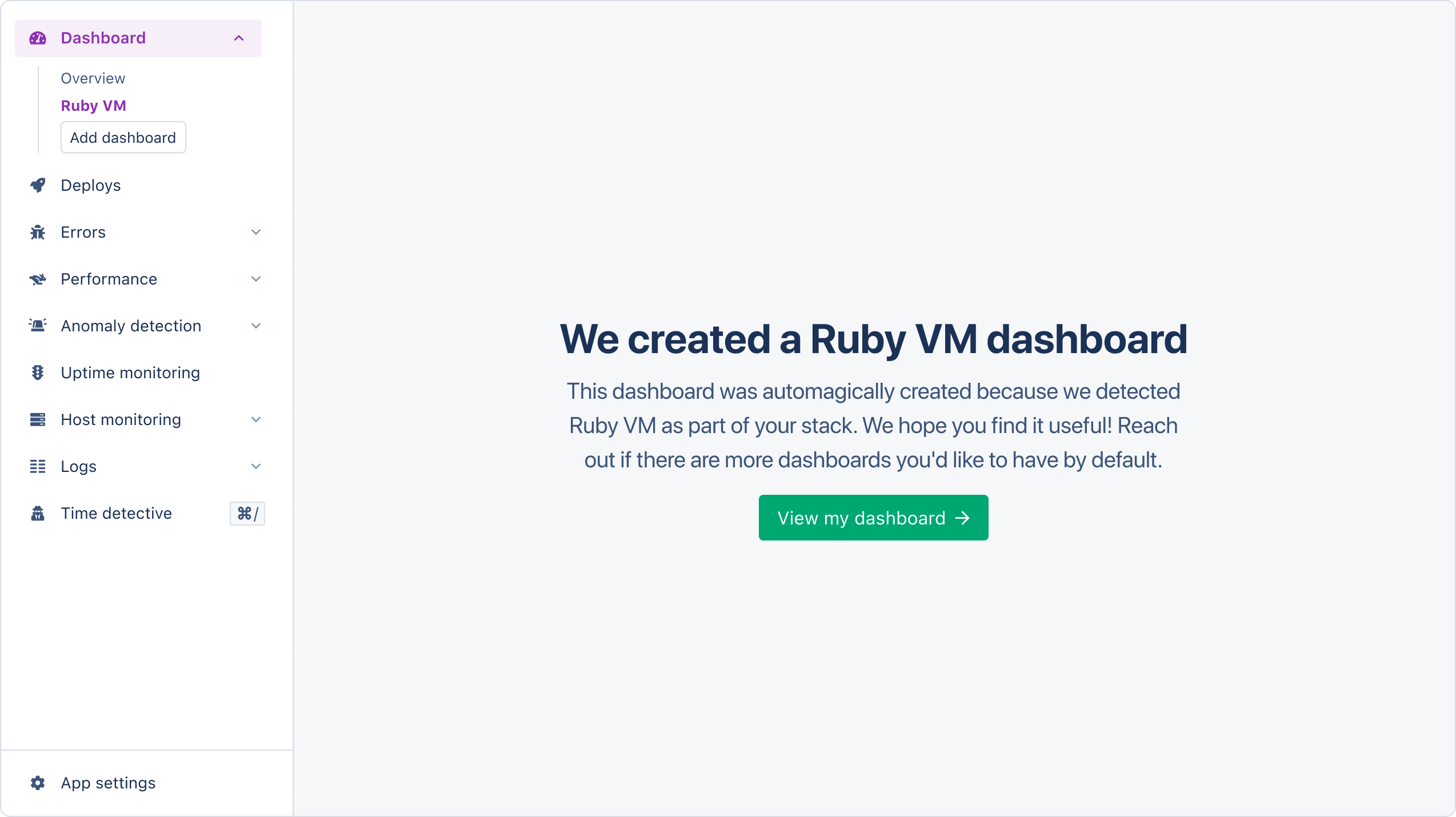
Magic dashboards will appear in the dashboard section of the AppSignal app.

<img src="https://mintcdn.com/appsignal-715f5a51/4TRZP0Sq9Zq7PAPW/assets/images/screenshots/ruby/integrations/ruby-vm/dashboard-created.png?fit=max&auto=format&n=4TRZP0Sq9Zq7PAPW&q=85&s=fae0dd2e21d593846e3567eeef14efe1" alt="Ruby VM magic dashboard creation" width="2548" height="1430" data-path="assets/images/screenshots/ruby/integrations/ruby-vm/dashboard-created.png" />

The Ruby VM magic dashboard will have the following graphs:

| Graph                                                       | Metrics                                                                                                                         | Tags                                 |
| ----------------------------------------------------------- | ------------------------------------------------------------------------------------------------------------------------------- | ------------------------------------ |
| [Allocated objects](#allocated-objects-graph)               | `allocated_objects`                                                                                                             | `hostname`                           |
| [Garbage Collection Count](#garbage-collection-count-graph) | <li>`minor_gc_count`</li> <li>`minor_gc_count`</li> <li>`gc_count`</li>                                                         | <li>`metric`</li><li>`hostname`</li> |
| [Heap slots](#heap-slots-graph)                             | <li>`heap_live`</li> <li>`heap_free`</li>                                                                                       | <li>`metric`</li><li>`hostname`</li> |
| [Ruby VM](#ruby-vm-graph)                                   | <li>`class_serial`</li><li>`global_constant_state`</li><li>`constant_cache_invalidations`</li><li> `constant_cache_misses`</li> | <li>`metric`</li><li>`hostname`</li> |
| [Thread count](#thread-count-graph)                         | `thread_count`                                                                                                                  | `hostname`                           |

Tags give you a contextual breakdown of Ruby VM performance information. AppSignal reports the following tags for Ruby VM performance:

| Name       | Description                                        |
| ---------- | -------------------------------------------------- |
| `hostname` | The name of the host the metric was reported from. |
| `metric`   | The total metric value for all hosts.              |

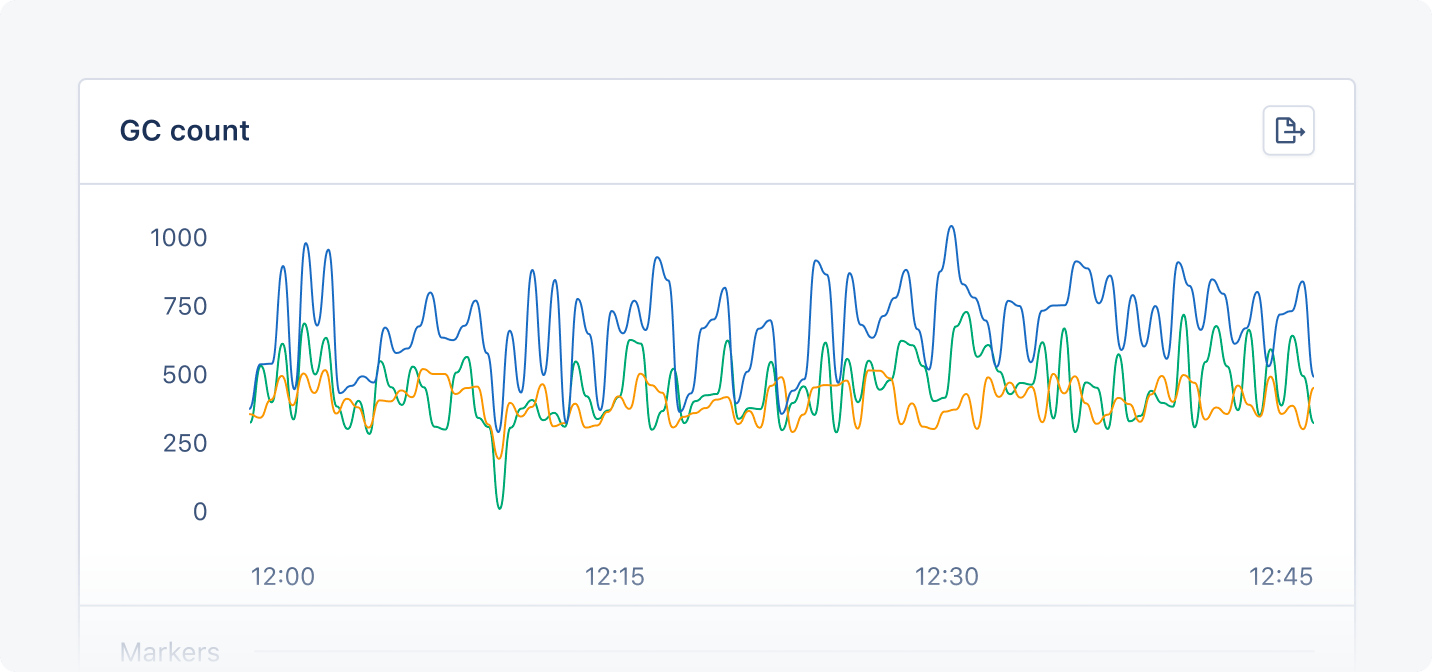
AppSignal will represent each tag with a colored line on the graph:

<img src="https://mintcdn.com/appsignal-715f5a51/4TRZP0Sq9Zq7PAPW/assets/images/screenshots/ruby/integrations/ruby-vm/gc-count-graph.png?fit=max&auto=format&n=4TRZP0Sq9Zq7PAPW&q=85&s=2aea582a012bc62c561298e9c97a992d" alt="Ruby VM magic dashboard example graph" width="1432" height="672" data-path="assets/images/screenshots/ruby/integrations/ruby-vm/gc-count-graph.png" />

### Allocated objects graph

The Allocated objects graph shows how many complex Ruby values (objects, not strings, integers, booleans, etc.) are using memory in the Ruby virtual machine.

You can use the Allocated objects graph to monitor and optimize your application's memory usage and performance.

### Garbage collection count graph

The GC counts graph shows the amount of garbage collection events/runs during the last minute, split between major and minor events.

You can use the GC counts graph to monitor the frequency of garbage collection and its impact on your application’s performance and memory usage.

### Heap slots graph

The Heap slots graph shows the heap slots currently allocated by the Ruby virtual machine, split between live and free slots.

You can use the Heap slots graph to monitor memory allocation and identify the potential causes of memory leaks or fragmentation.

### Ruby VM graph

<Warning>
  The metrics `constant_cache_misses` and `constant_cache_invalidations` are
  only available in Ruby versions 3.2.0 and higher.
</Warning>

The Ruby VM graph shows statistics from the RubyVM.stat method about the constant cache and the classes created in your application.

You can use the Ruby VM graph to monitor the cache status of constant values and how your application affects the Ruby VM state.

### Thread count graph

The Thread count graph shows the number of threads currently executing in your application.

You can use the Thread count graph to monitor your application's threading. Ruby VM Lock runs serially, meaning it can only execute one thread at a time. A high thread count may lead to performance problems.
