> ## Documentation Index
> Fetch the complete documentation index at: https://docs.appsignal.com/llms.txt
> Use this file to discover all available pages before exploring further.
# Render host metrics
> Learn how AppSignal reports host metrics for your Render services.
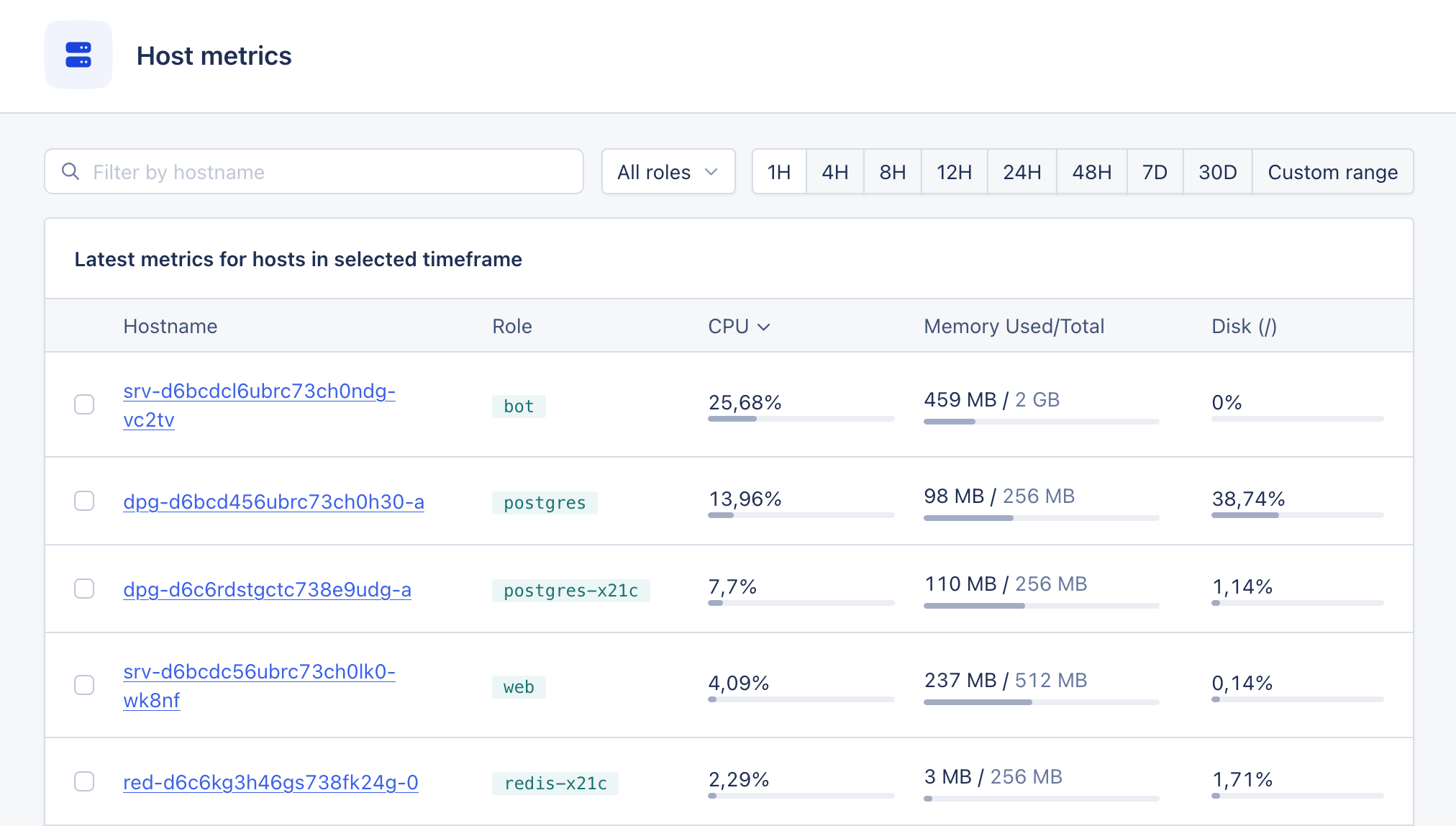
After you complete the [Render setup](/render/setup), Render reports the resource usage of your services to AppSignal. No further action is required. Your services' [host metrics](/metrics/host-metrics) will appear in AppSignal in a few minutes.
AppSignal receives the following [host metrics](/metrics/host-metrics#collected-host-metrics) per Render service:
* CPU usage
* Memory usage
* Disk usage
* Disk I/O
* Network traffic interface
These appear in the ["host metrics" section](https://appsignal.com/redirect-to/app?to=host_metrics), alongside host metrics from any other source. [Render Key Value](https://render.com/docs/key-value) services report the same metrics, so their resource usage appears here rather than on the [Key Value dashboard](/render/dashboards#key-value-dashboard).